
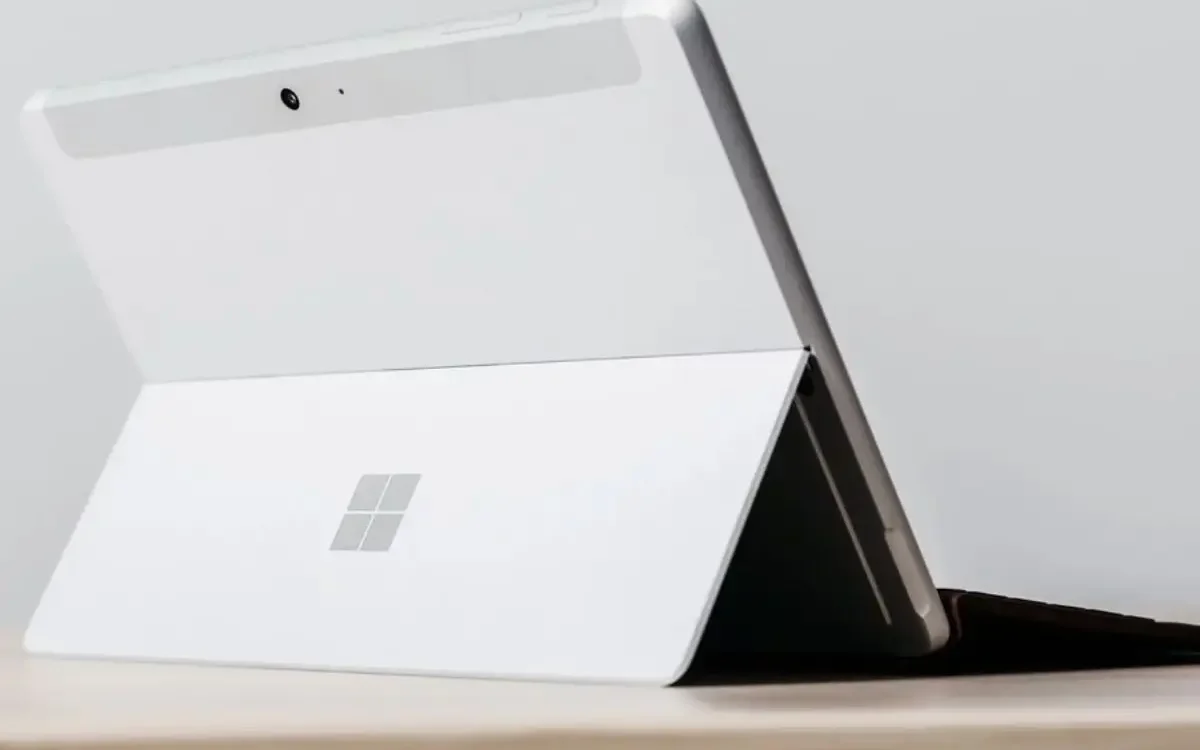
Which Surface model do I have?
Do you still have these questions and can’t find the answers?
1. When was my Surface Pro released?
2. When was my Surface Go released?
You’ve come to the right place! Lately, it’s become more and more difficult to keep up with all the new tablets being released, and even worse the naming conventions that come with them. Microsoft regularly updates its lineup, including split releases for “Business” and “Consumer” editions.
Most recently, Microsoft released the Surface Pro 12 and the new 13-inch Surface Laptop (2025) in May 2025. Prior to that, we saw the AI-focused Surface Pro 11th Edition and Surface Laptop 7th Edition in 2024. However, Microsoft had already released a model named “Surface” back in 2012, and Surface models are generally confusing, so we’re here to help you easily identify which Surface model you have!
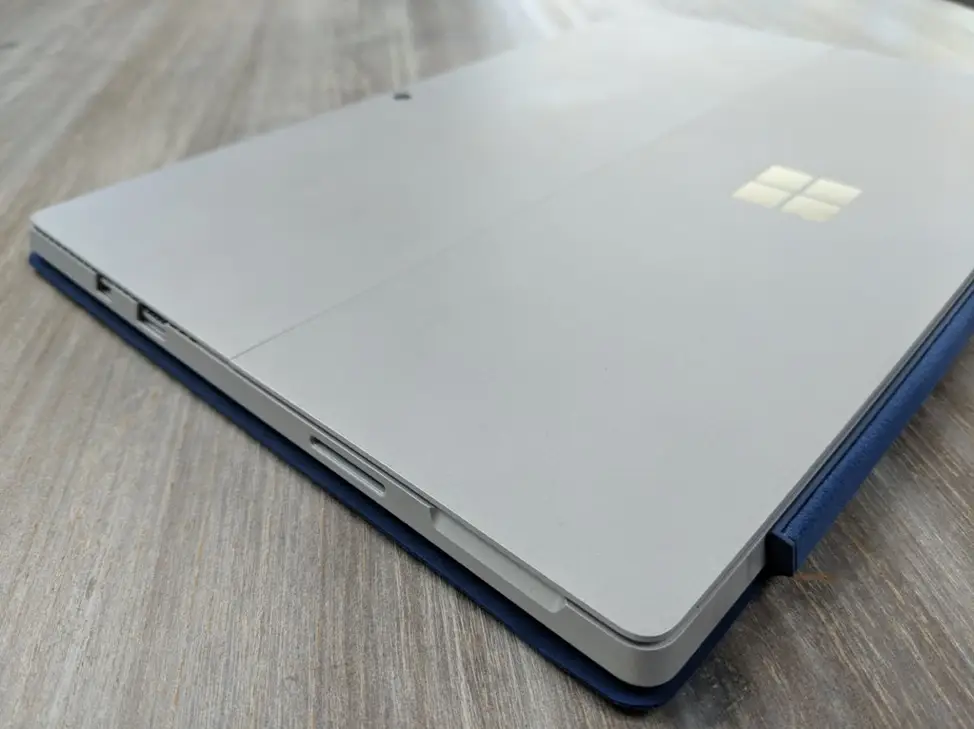
So which Surface do I have?
While it’s not difficult to find out what model Surface you have, the process does have a few steps involved. Some models have a 4-digit number located on the back next to the serial number which can be inputted into Google for an instant result. However, some models do not have this 4-digit number so we’ll need to take an alternative approach-
1) – Firstly, you must locate the serial number located underneath the stand on the backside
Microsoft Support – How to find your serial number CLICK HERE]
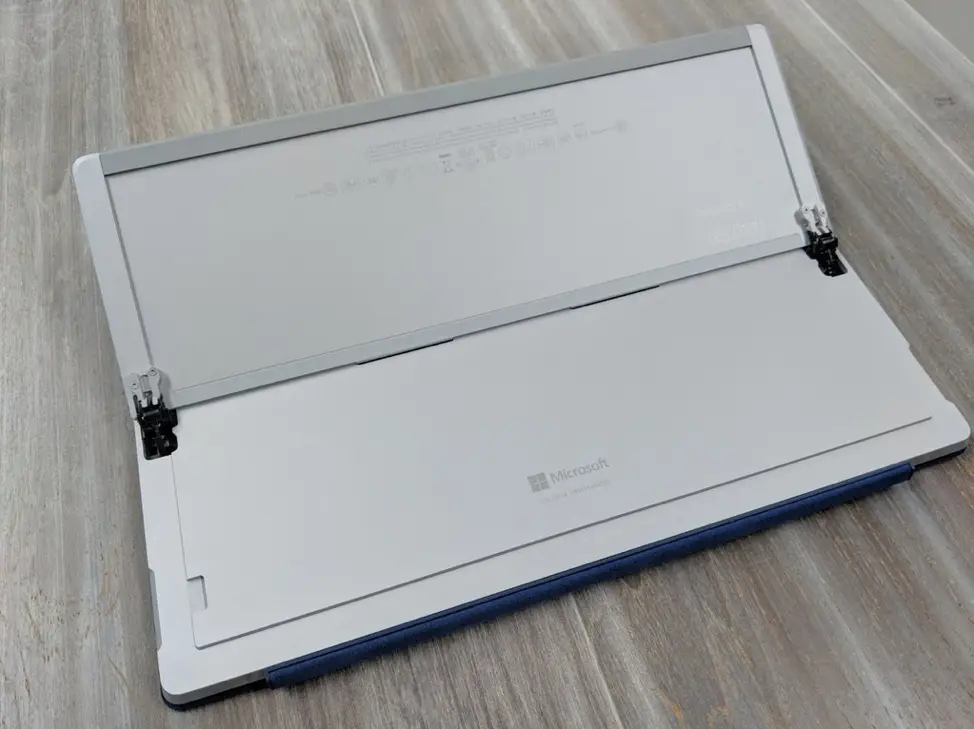
Identify Surface Model: TIP: The fine print can be hard to read so take a photo and enlarge it for easier readability.
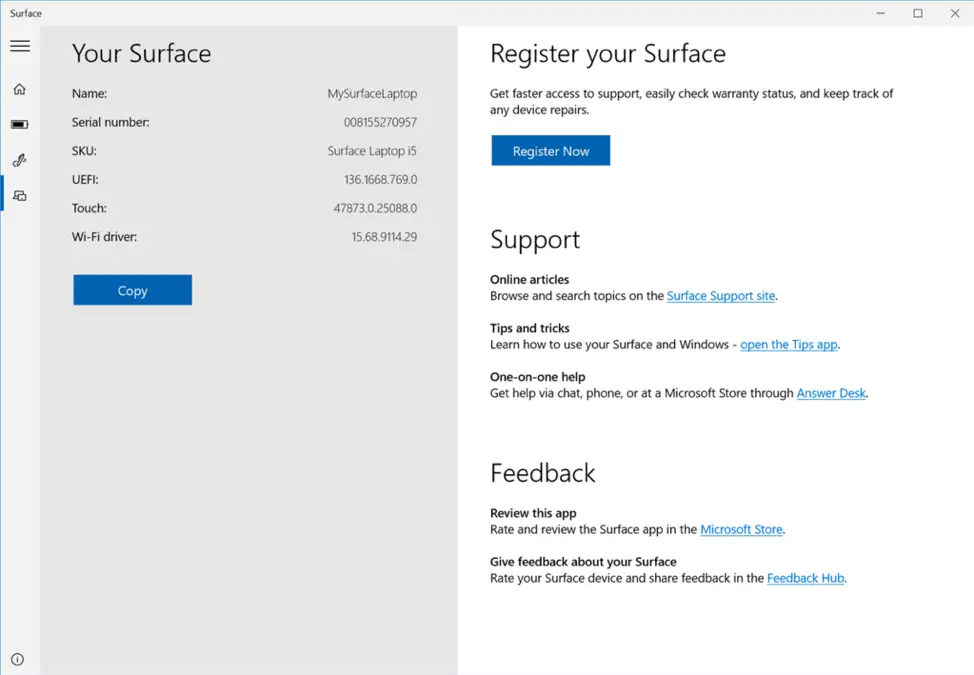
Alternatively, you could download the “Surface” app from the app store which will also show you your serial number.
2) – Secondly you’ll need to decode your serial number to see exactly which model you have, head over to the Microsoft support page linked below where you’ll be able to add in your serial number and it will provide you with the Surface model-
Microsoft Serial Number Checker – Enter your serial number here to find your model [CLICK HERE]
Microsoft Surface Model Release Dates
Surface Go Models
| Model | Date Released |
| Surface Go | August 2018 |
| Surface Go 2 | May 2020 |
| Surface Go 3 | September 2021 |
| Surface Go 4 (Business) | October 2023 |
Surface Pro Models
| Surface Pro | February 2013 |
| Surface Pro 2 | October 2013 |
| Surface Pro 3 | June 2014 |
| Surface Pro 4 | October 2015 |
| Surface Pro 5 | June 2017 |
| Surface Pro 6 | October 2018 |
| Surface Pro 7 | October 2019 |
| Surface Pro X | October 2019 |
| Surface Pro 7+ | January 2021 |
| Surface Pro 8 | October 2021 |
| Surface Pro 9 (& 5G) | October 2022 |
| Surface Pro 10 (Business) | April 2024 |
| Surface Pro 11th Edition | June 2024 |
| Surface Pro 12 | May 2025 |
Surface Book Models
| Surface Book | October 2015 |
| Surface Book 2 | November 2017 |
| Surface Book 3 | May 2020 |
Surface Laptop Models
| Surface Laptop | June 2017 |
| Surface Laptop 2 | October 2018 |
| Surface Laptop 3 | October 2019 |
| Surface Laptop Go | October 2020 |
| Surface Laptop 4 | April 2021 |
| Surface Laptop Studio | October 2021 |
| Surface Laptop SE | November 2021 |
| Surface Laptop Go 2 | June 2022 |
| Surface Laptop 5 | October 2022 |
| Surface Laptop Go 3 | October 2023 |
| Surface Laptop Studio 2 | October 2023 |
| Surface Laptop 6 (Business) | April 2024 |
| Surface Laptop 7th Edition | June 2024 |
| Surface Laptop (13-inch 2025) | May 2025 |
Surface Studio Models
| Surface Studio | December 2016 |
| Surface Studio 2 | October 2018 |
| Surface Studio 2+ | October 2022 |
Surface Neo Models
| Surface Neo | October 2019 |
We hope that this makes it a bit clearer in regards to your tablet type from Microsoft. To keep your device safe in any environment, check out our ruggedized cases and mounts designed specifically for the Surface Pro and Surface Go lines.
Explore our aXtion rugged case options or MagConnect Mounting Solutions for Surface Pro 11th Edition | Pro 10 | Pro 9 and Surface Go 4 | Go 3.